Track Updates
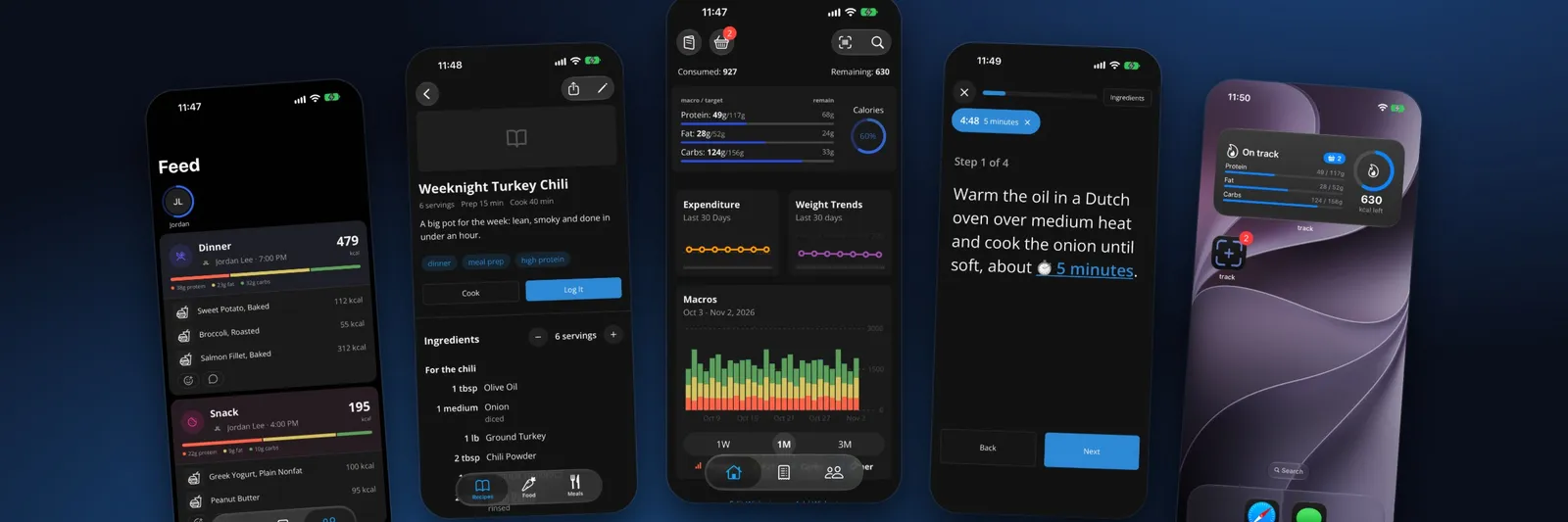
It has been seven months since the last update, and Track has grown… a lot. 😅 A quick git log says over a thousand commits since April. Spring and summer were mostly about keeping the lights on, then October happened, and I couldn’t stop adding things. Here’s the tour. (The screenshots are the real app, signed in to a made-up demo account on a copy of the backend running on my laptop, so none of it is my wife’s or my actual log. 😉)
Most of the early months were maintenance. I upgraded to Expo 56, dropped expo-camera in favor of VisionCamera (opens in a new window) alone, rebuilt the swipe actions on list rows, and swapped the old pickers for Expo UI (opens in a new window)’s native ones. Later I moved to gluestack (opens in a new window) v5 and NativeWind (opens in a new window) 5.
I also took a detour through Kubernetes (opens in a new window). I wrote the manifests for a cluster on Linode, a logging stack, health checks, and even a cost estimate… and then decided that was a lot of monthly bill for an app this small. 😂 The manifests are still in the repo, but production still runs on Docker Compose, reached through a Cloudflare Tunnel (opens in a new window).
The more useful work was resilience: the app now rides out a gateway hiccup instead of failing the request, and if the backend is really down, it goes into maintenance mode that recovers by itself once things come back. I also moved the heavy write paths (logging the basket, saving the profile, searching) into single Postgres functions, so one tap is one round trip instead of five.
The last post ended with Postgres (opens in a new window), PostgREST (opens in a new window), a Bun websocket service, and Better Auth (opens in a new window) behind nginx (opens in a new window). That core is still there, but it has picked up some neighbors. Each one is a small Bun (opens in a new window) service in its own container, and nginx routes to them by path:
- lookup — the app used to call USDA and Nutritionix directly, which meant the API keys lived in the app. Now the phone asks the lookup service, which adds the keys, keeps answers in a shared cache, and holds back on Nutritionix when we’re close to its quota.
- ai — more on this below. 🤖
- render — a headless Chromium (via Playwright (opens in a new window)) for the AI to read nutrition pages that only work with JavaScript.
- push — the database writes notifications to an outbox table, and this service drains it to Expo’s push service (opens in a new window).
- integrations — links to other apps, starting with AnyList (opens in a new window).
- web and admin — two TanStack Start (opens in a new window) apps: the public site and a signed-in web portal, and an admin site behind a two-factor code.
Logs from every container now go through Alloy (opens in a new window) into Loki (opens in a new window) and Grafana (opens in a new window), each request line is credited to whoever was signed in, and errors land in Sentry (opens in a new window). The admin site has its own log panels, so I can see what a user hit without leaving the page.
This is my favorite addition. You can now just describe what you ate (“two eggs, a slice of sourdough with butter, and a black coffee”) or snap a photo, and Claude (opens in a new window) figures out the foods and puts them in the basket for you to check before logging. It searches USDA and Nutritionix first, reads a restaurant’s or brand’s published nutrition (PDFs included) when it can find one, and only estimates when nothing has the food. Estimates are marked as such everywhere they show up, and a photo of a plate gets cropped so each food gets its own picture.
To pick the model and effort level, I built a small eval: a set of meals with known answers, run against the real tools with Nutritionix answered from a cache. I landed on Sonnet as the default.
I also wired up a Claude connector (opens in a new window) (OAuth through Better Auth, plus an MCP (opens in a new window) endpoint), so you can ask Claude about your log or add to it from the Claude app itself.
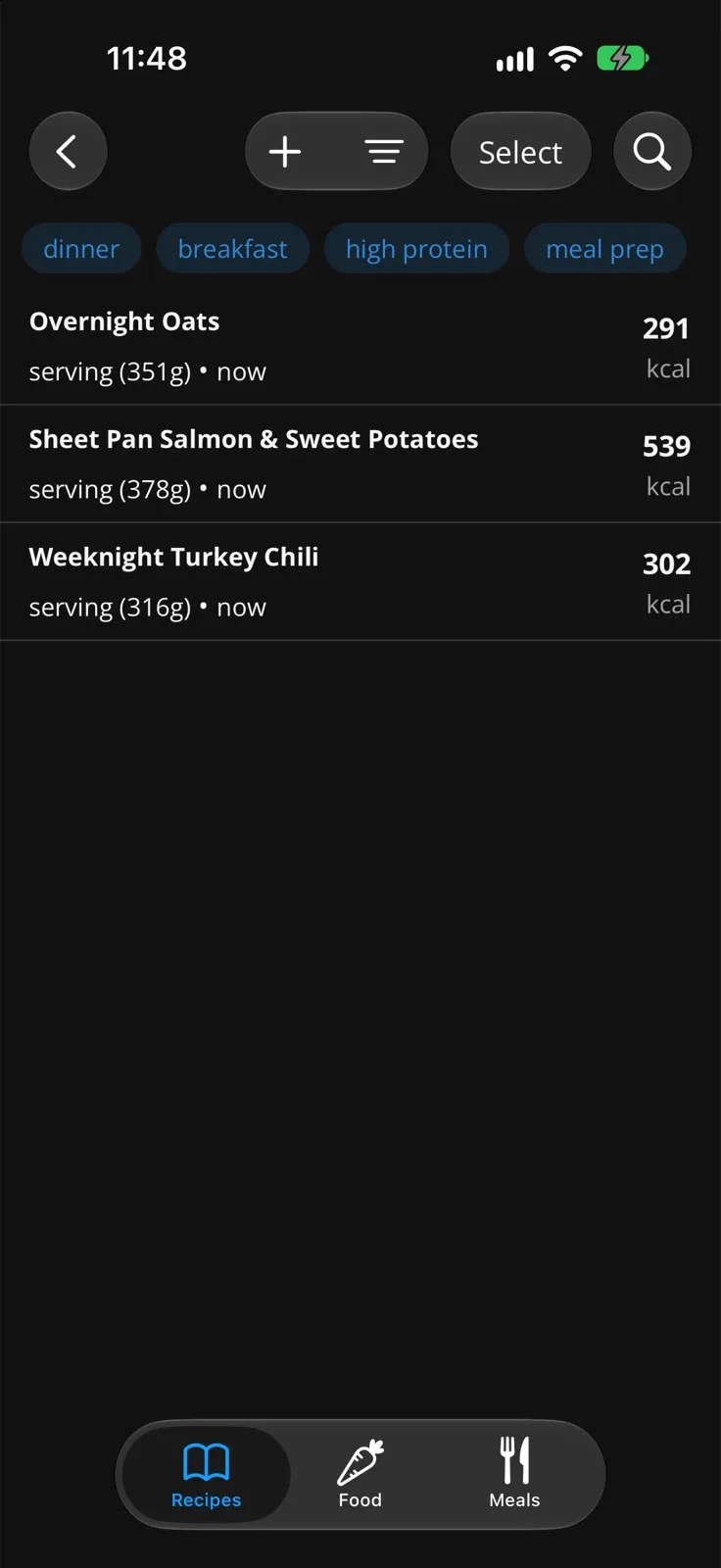
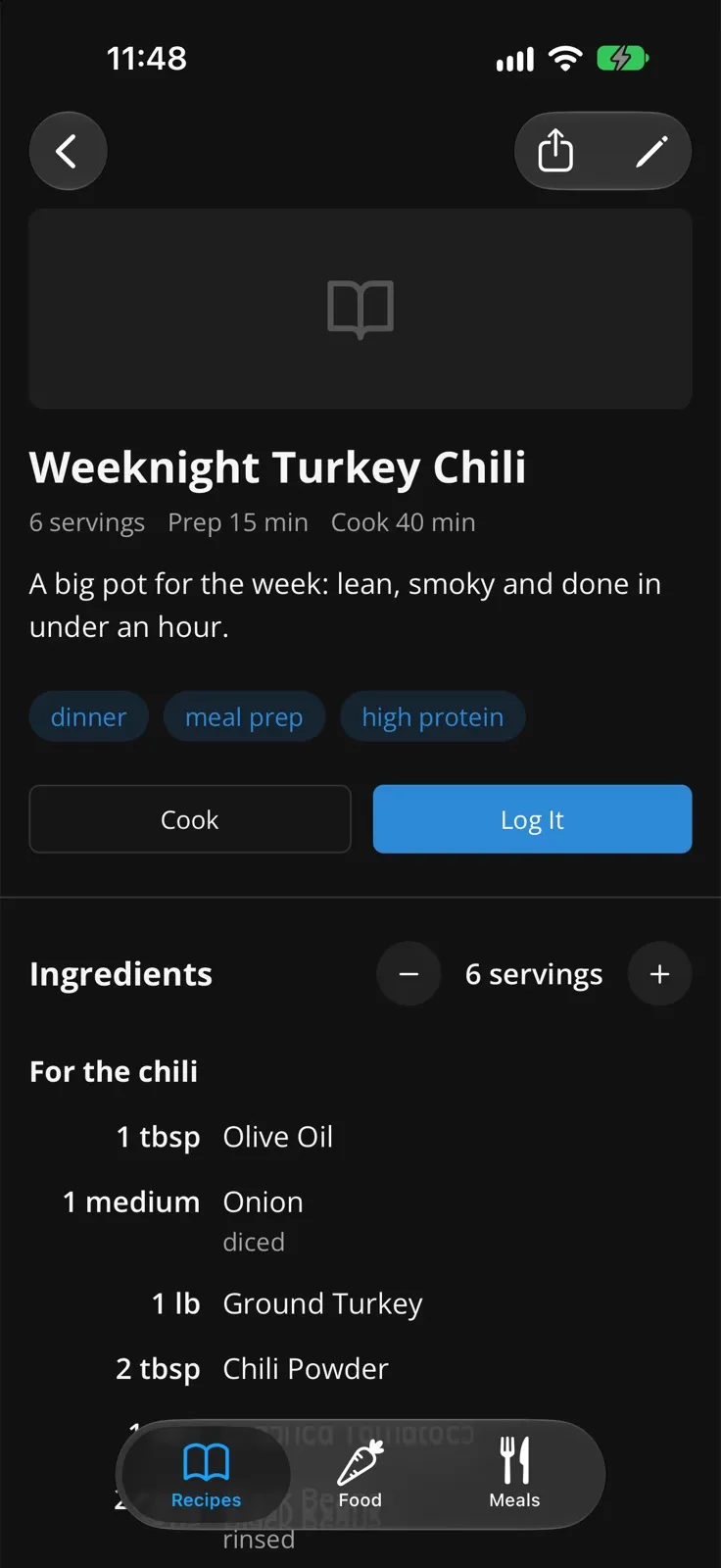
Recipes used to be a list of ingredients with nutrition. Now they’re actual recipes:
- Steps, notes, equipment, tags, a source, a photo, and ingredient sections.
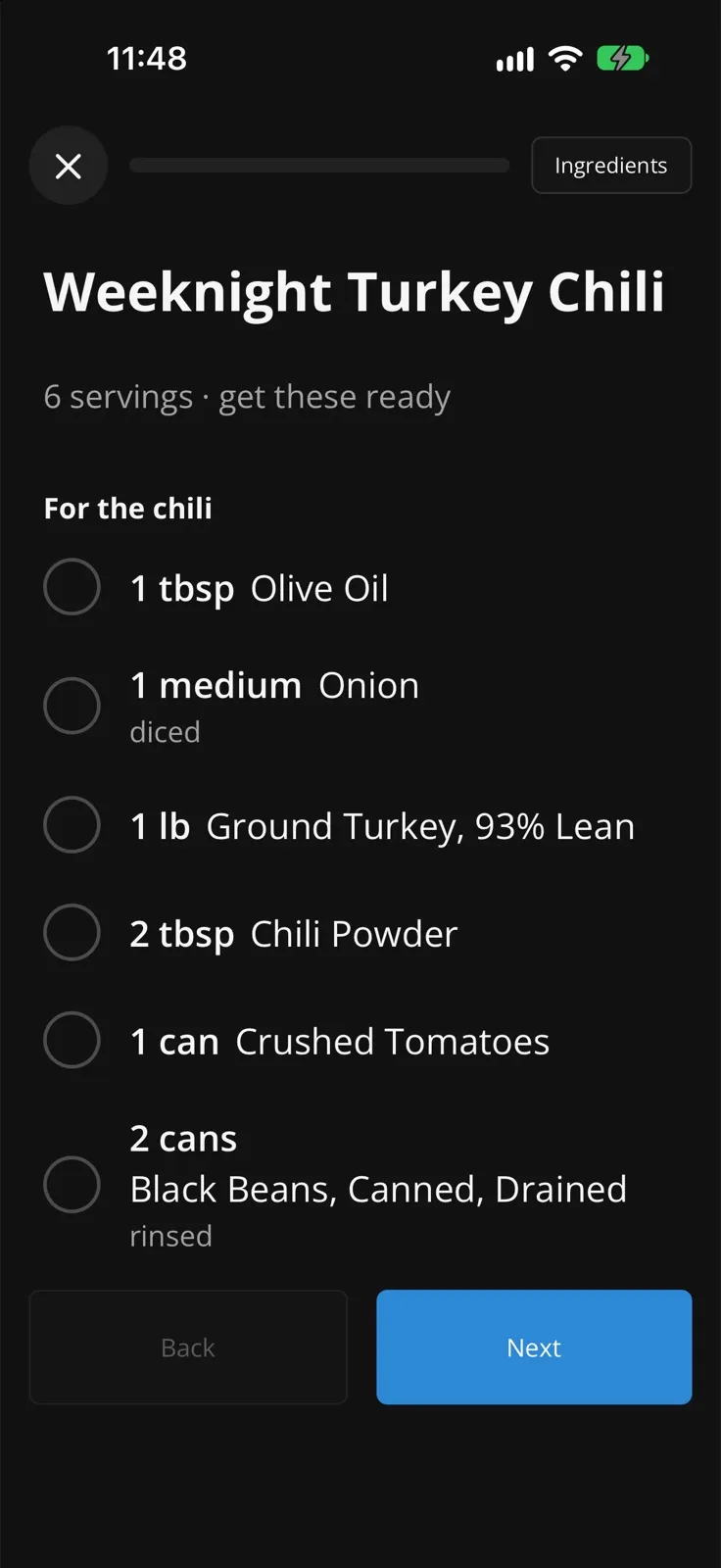
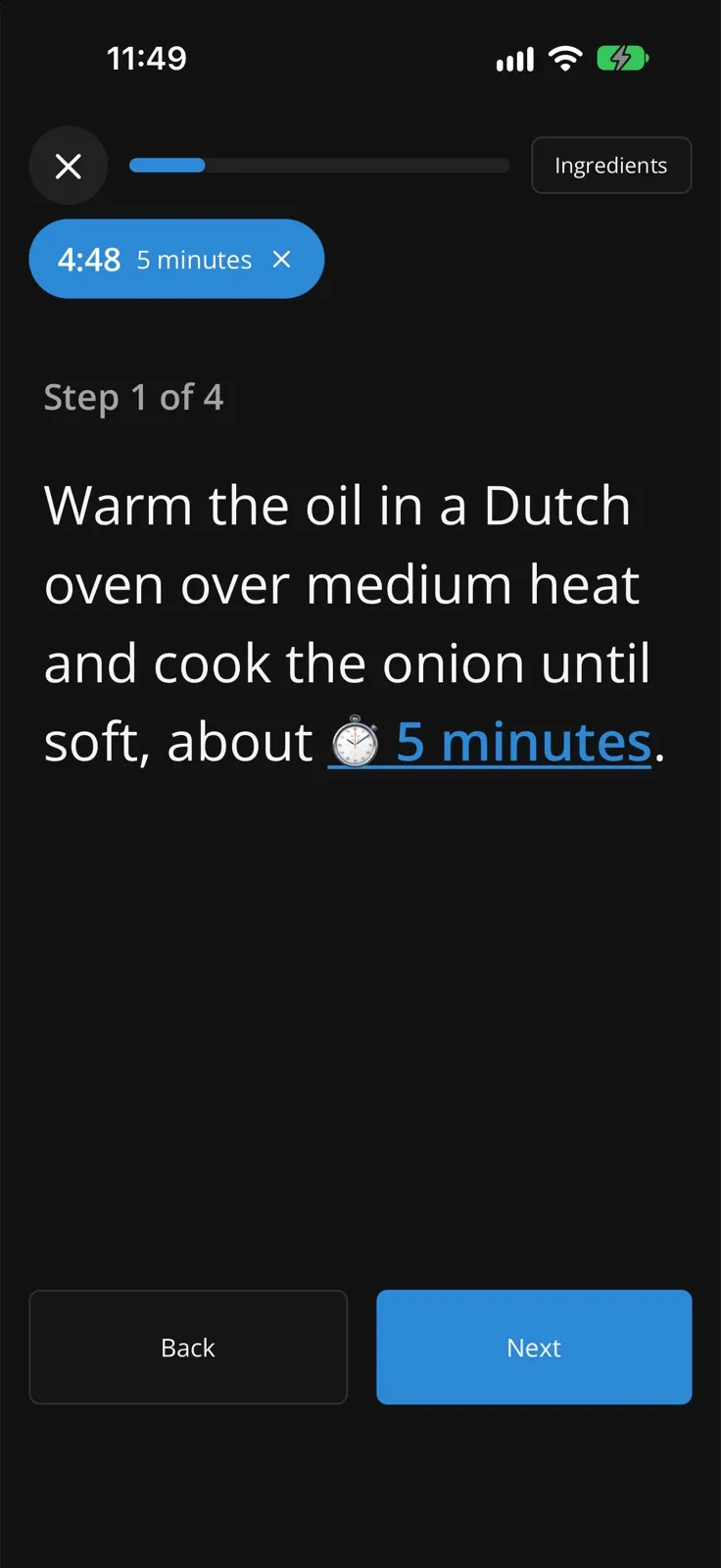
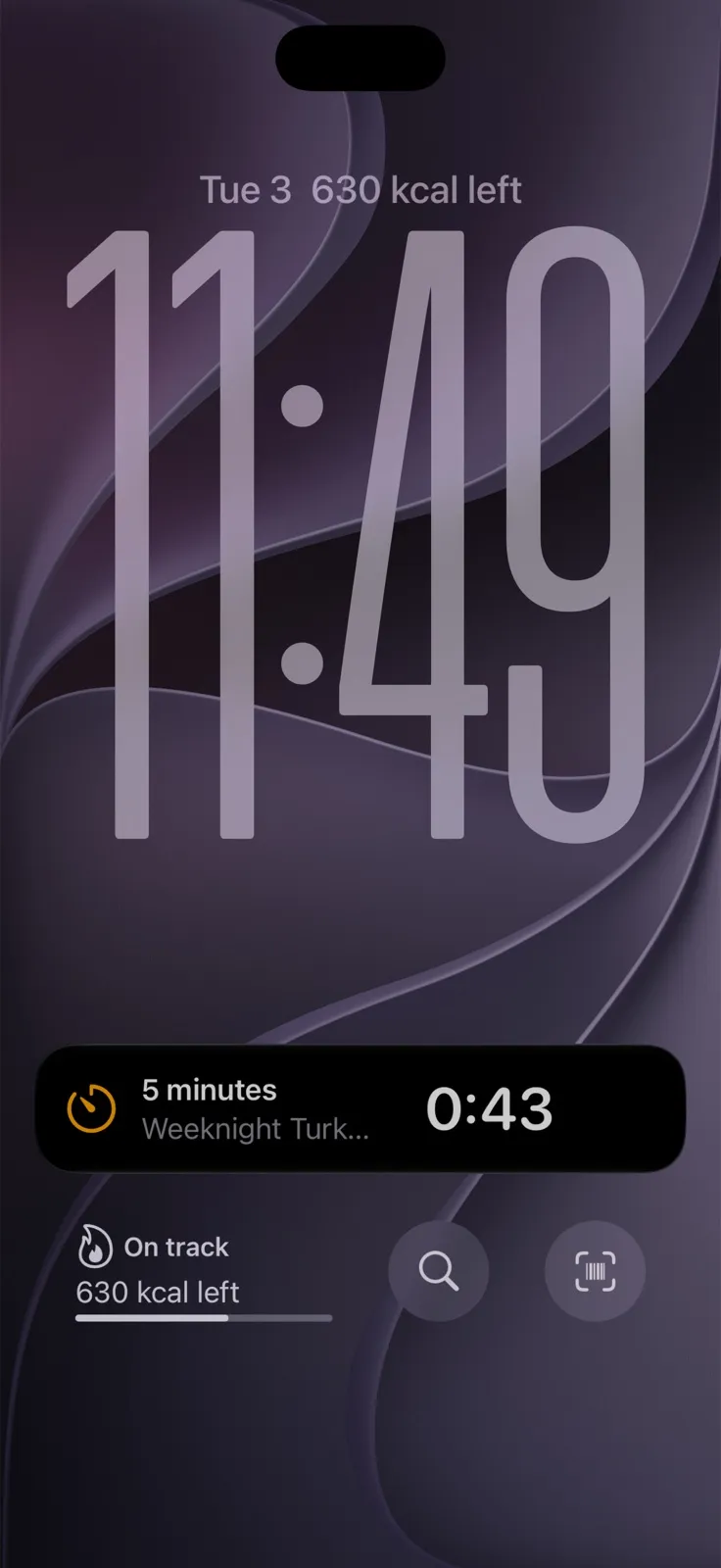
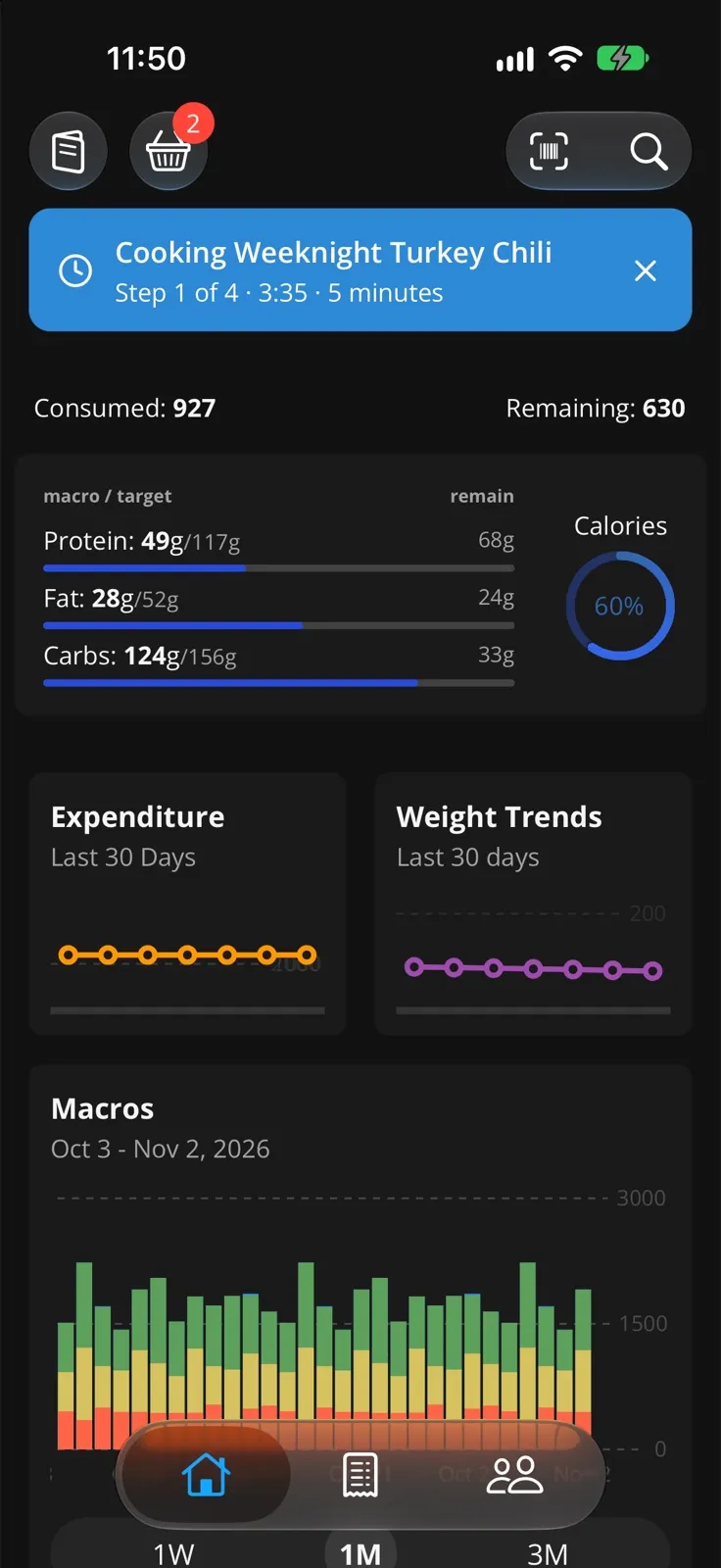
- A recipe page to read and cook from, with a cook mode that walks you through one step at a time, with timers that show up as a Live Activity on the lock screen.
- Import from a link, paste a list of ingredients (it matches each line to a food, reusing the ones from your other recipes first), or open a RecipeMD (opens in a new window) file.
- Recipes can use other recipes. A sauce or a dough can be its own recipe, and cook mode walks through it, with an “already made” option to skip it.
- Share a recipe as a picture, a PDF, or a public link that opens a page on the web (or in the app, with a “save a copy” button).
- Two-way sync with AnyList (opens in a new window), where we keep our recipes and meal plan. Track compares a linked recipe line by line and asks which side wins when they differ. It even reads the AnyList meal plan, so the basket can suggest tonight’s planned dinner.
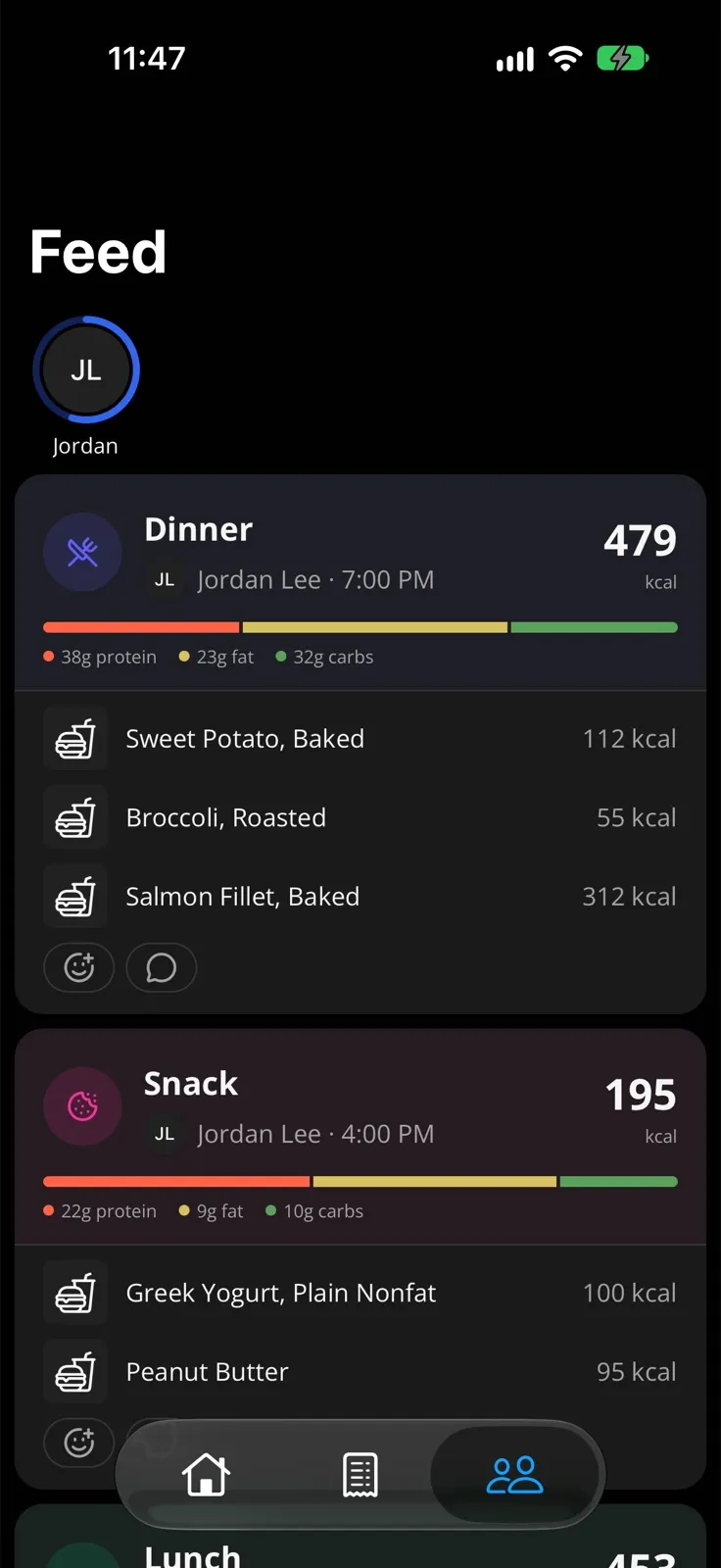
The social bits were basic before. Now you can share your day with the people you’ve connected with, and you get a feed of friends’ meals and finished days, with reactions, comments, and nudges (as push notifications). Tap a friend’s entry to log it too — handy when we eat the same dinner.
There’s also a weekly check-in, written by Claude, for just you or a group of up to four. It looks at the week as a whole: goals, trends, health numbers, and days you mark as a fast, so a low day reads as intentional instead of a miss.
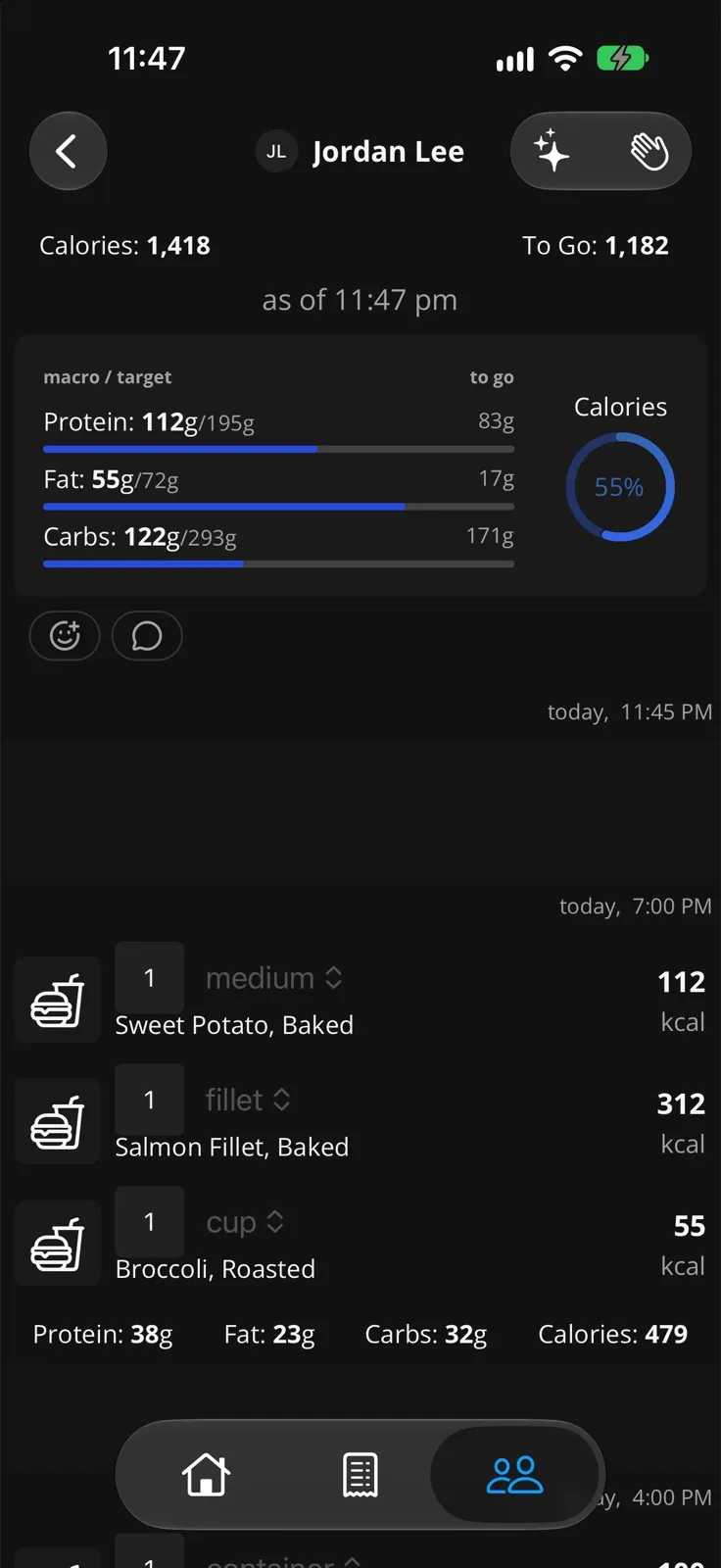
- Widgets for the home screen and lock screen, configurable, with a quick-log button.
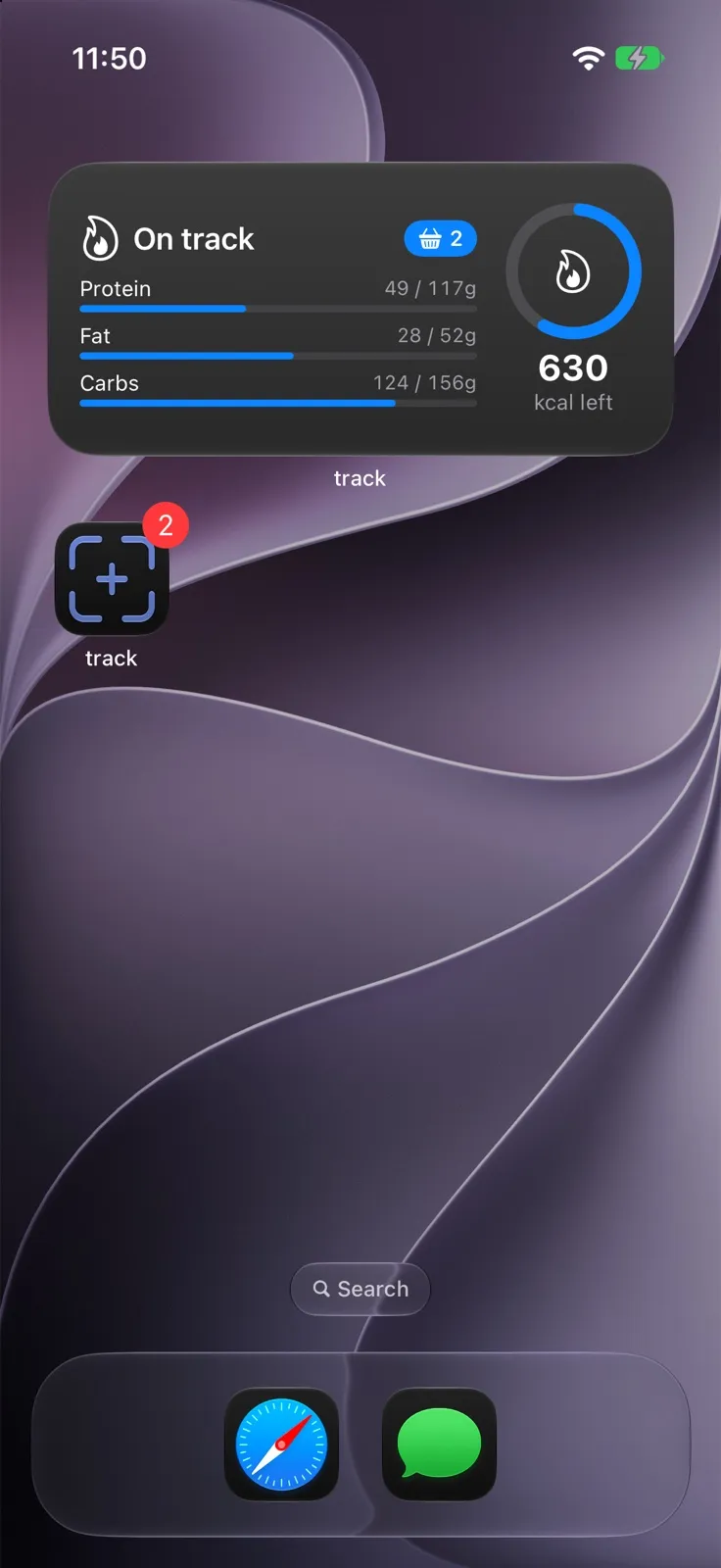
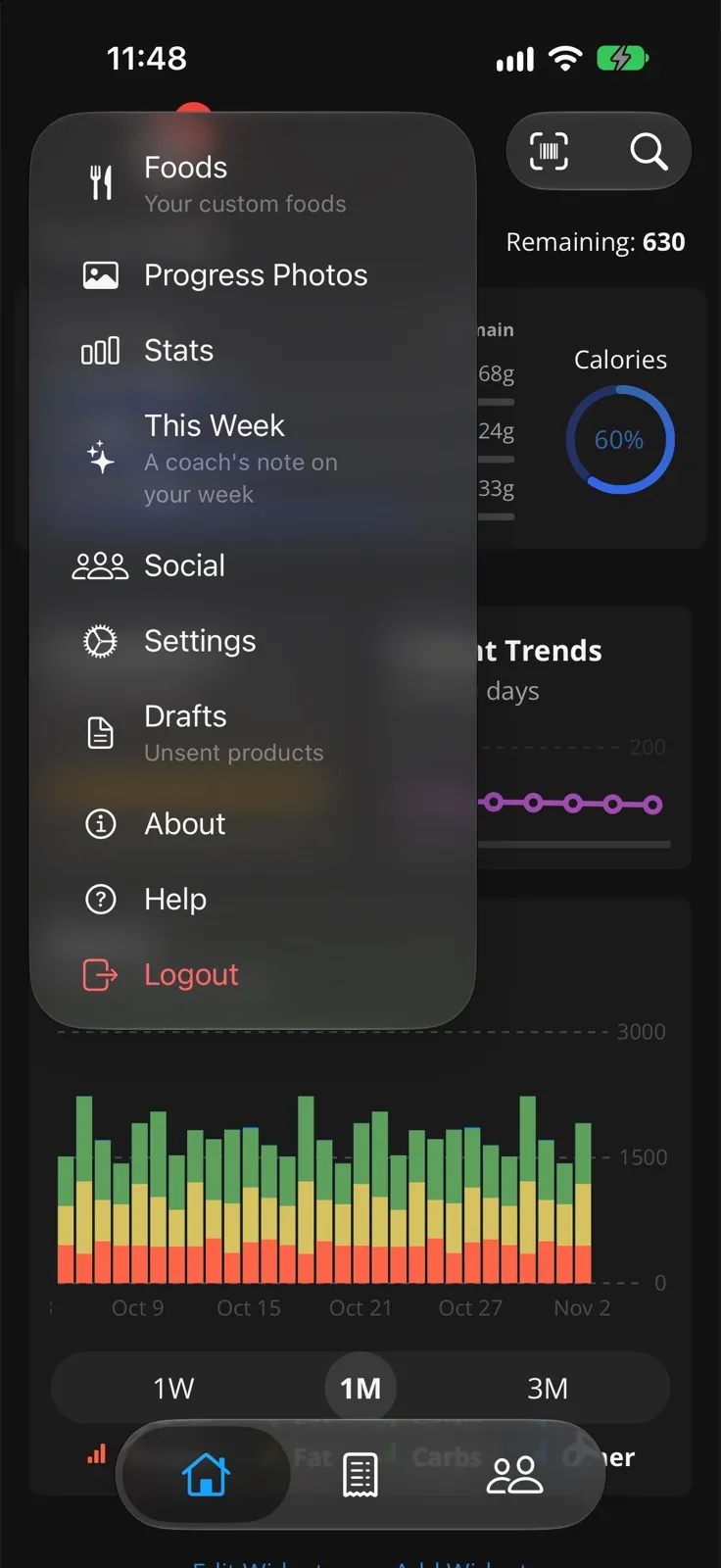
- Basket suggestions for what you usually log around this time (leaving out what you’ve already had today), restaurants near you in search, and a way to send items to a friend.
- Apple Health now goes through my own little Swift module instead of a third-party library.
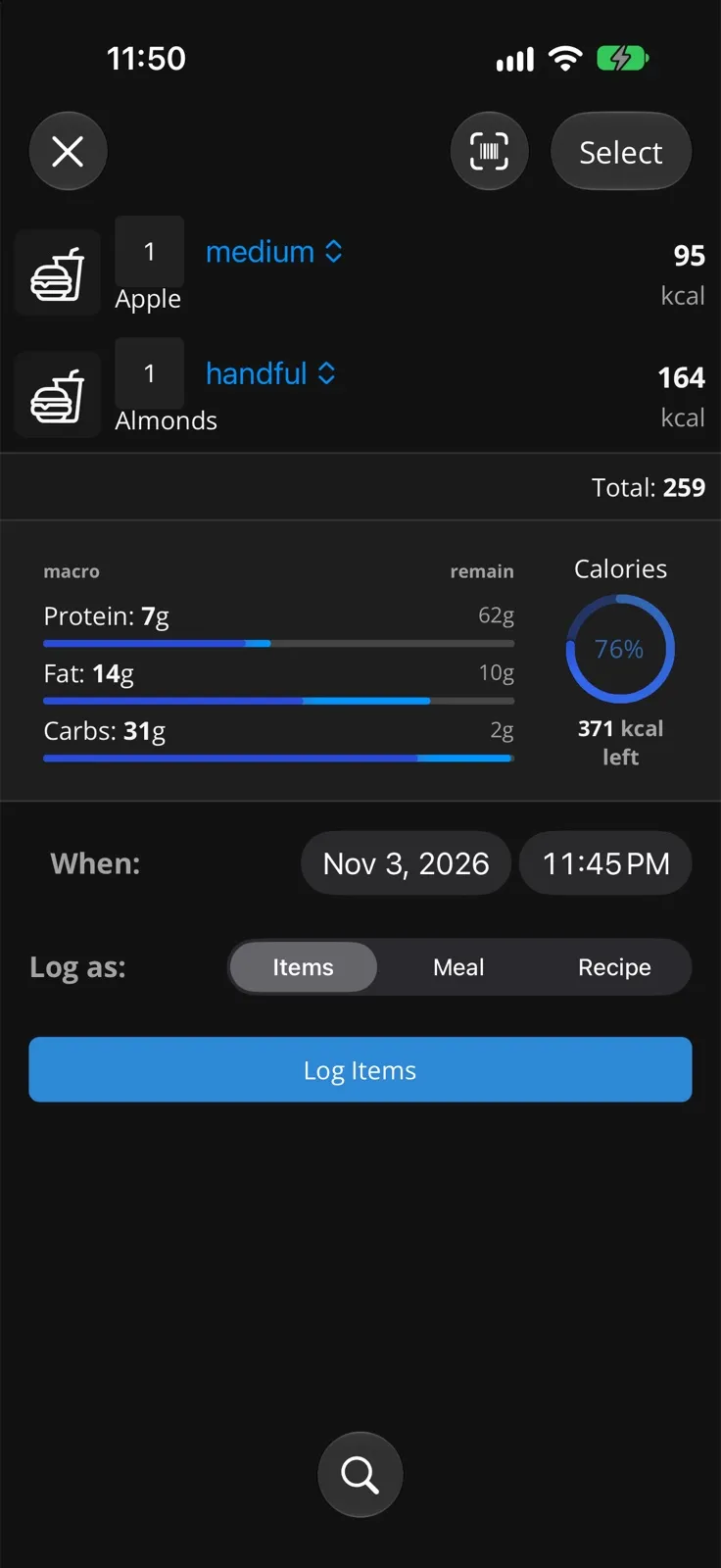
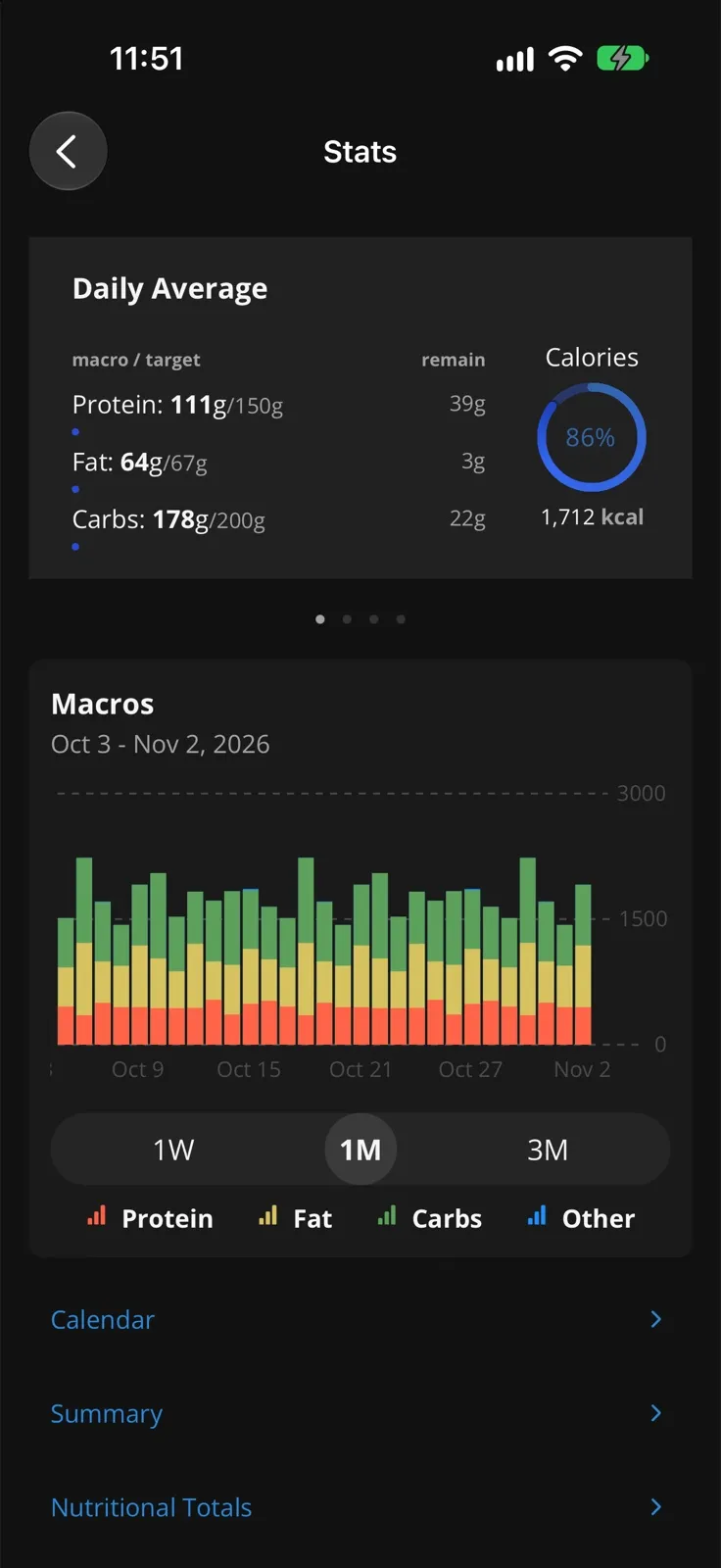
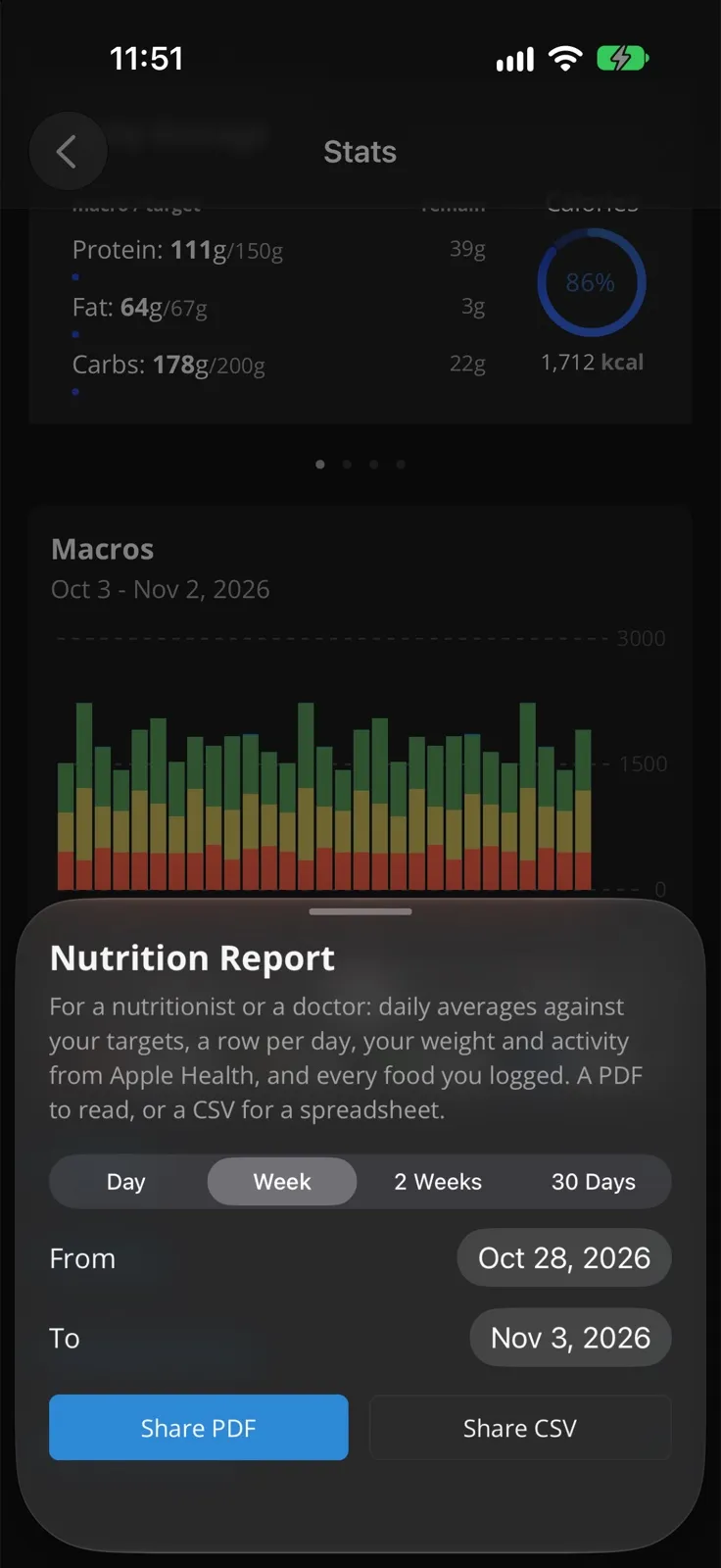
- A nutrition report you can hand to a nutritionist or a doctor, and day/week exports as PDF or CSV.
- Accessibility: every screen got a pass with VoiceOver.
- Private progress photos, readable only by their owner.
- Plans, so features like AI mode have limits per account instead of a hard-coded allowlist.
- An update overlay you can’t miss when a new version is ready.
- A website with a page for each feature, including live mockups of the app.
Track is still a private beta, and it’s not headed to the App Store. Still, it’s been a blast to build. As always, feel free to reach out if you want to know more or see a demo!
None of this would have happened at this pace without Claude Code (opens in a new window). Of the 1,089 commits since the last post, 730 were co-authored with it. It wrote code, chased bugs on the simulator, drafted plans, and did the big refactors I never would have had the patience for. I still decide what Track should be and review what lands, but it turned a side project’s evenings into a lot more app. Thanks, Claude! 🙌 (It even helped write this post and draw that diagram. 😉)